
ZIP, 7z, TAR and RAR
Opens ZIP (including AES and ZipCrypto passwords), 7z (including passwords), TAR, TAR.GZ/TGZ, TAR.BZ2, TAR.XZ, GZ, BZ2, XZ and RAR (RAR 1.5–4 and RAR5).
Home›EzUnzip

Version 0.3
EzUnzip opens compressed files on your phone and extracts only the files you pick, into a folder you choose. It works offline, with no internet permission, no ads and no tracking.
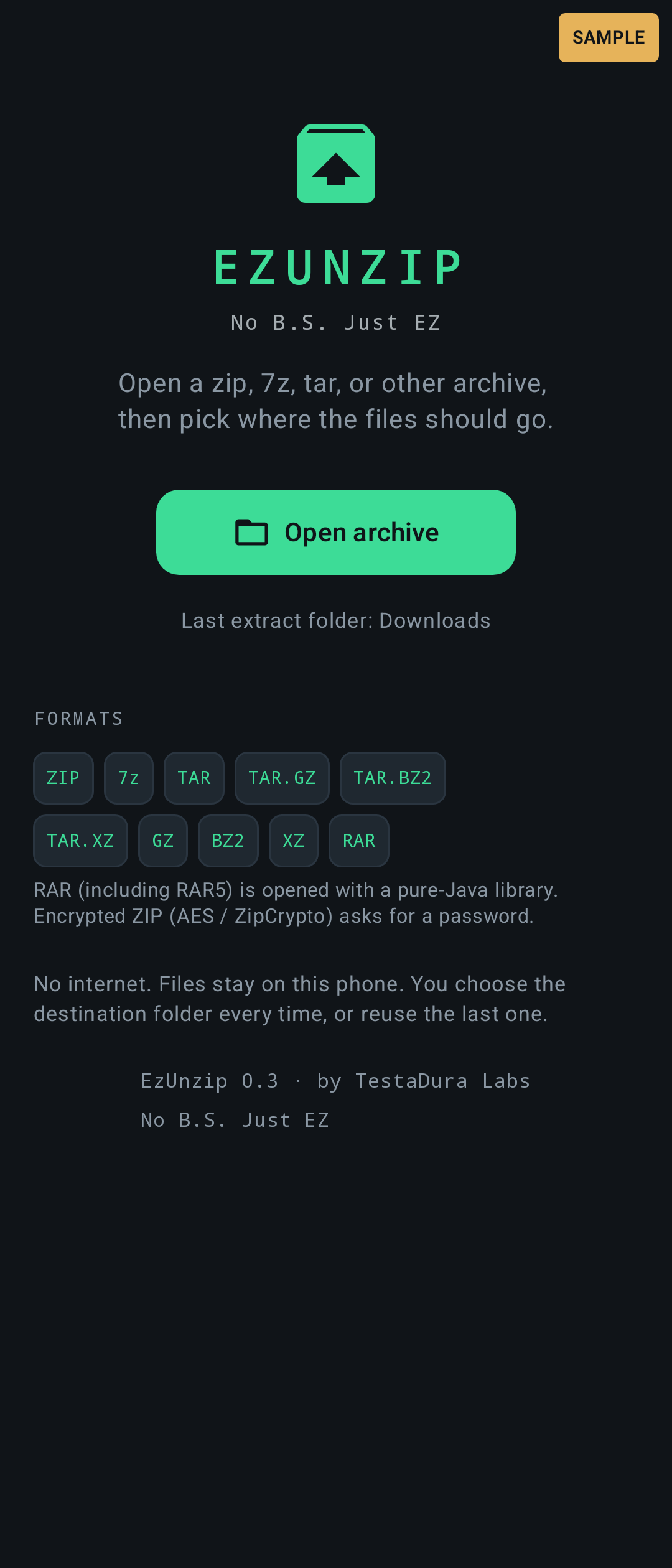
Opens ZIP (including AES and ZipCrypto passwords), 7z (including passwords), TAR, TAR.GZ/TGZ, TAR.BZ2, TAR.XZ, GZ, BZ2, XZ and RAR (RAR 1.5–4 and RAR5).
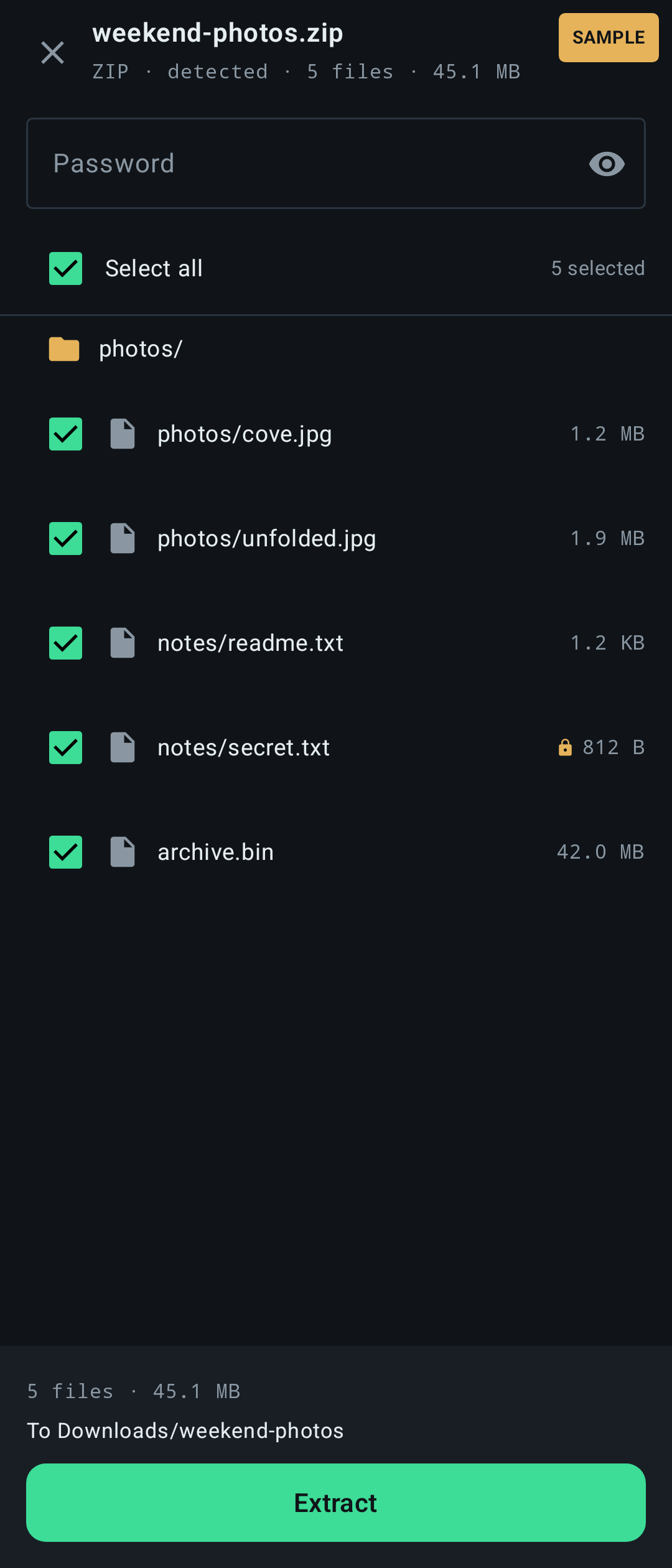
Detects the format from the file’s contents first, then its name.
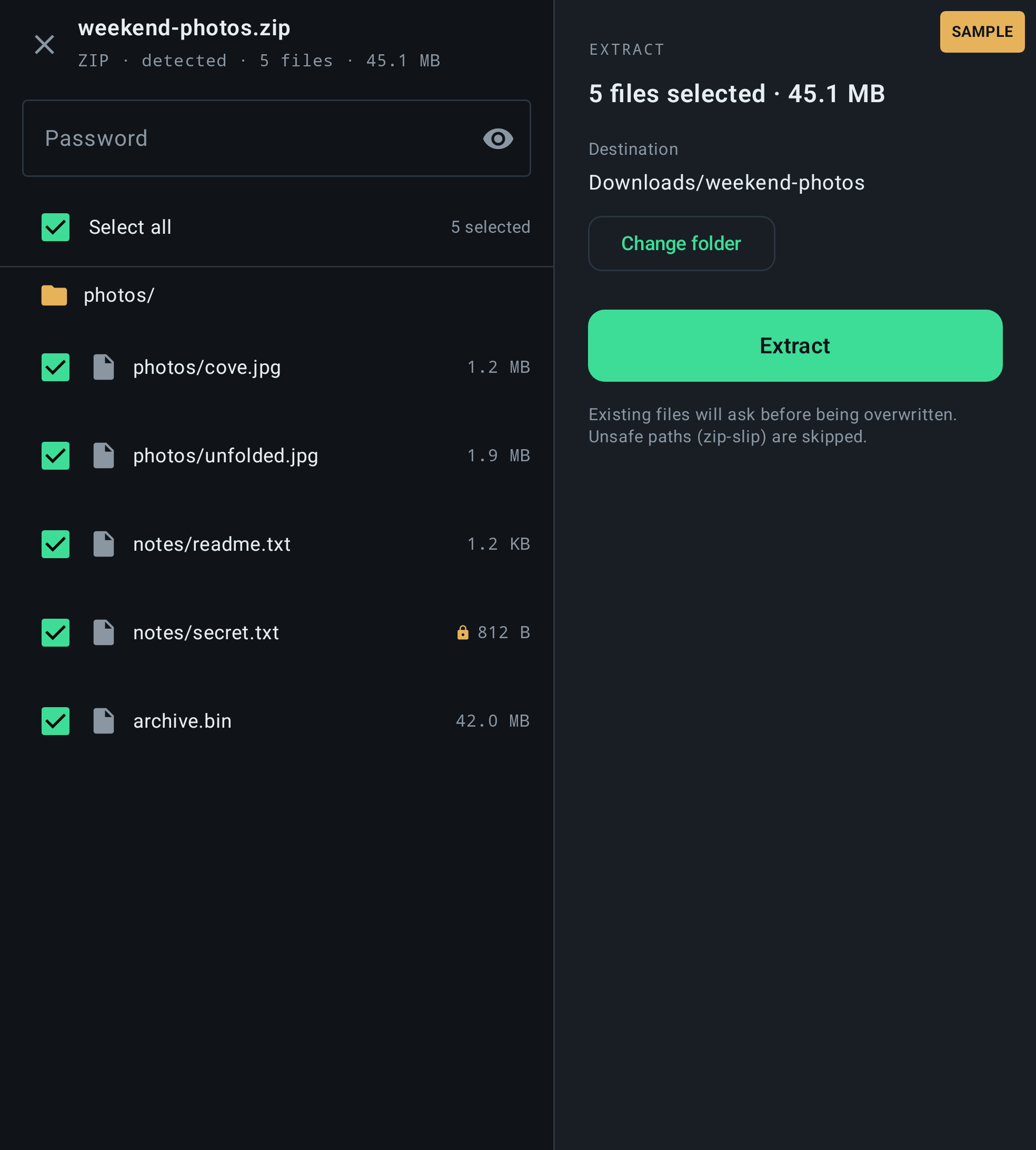
Shows the file list first, so you tick only what you want to extract.
Extracts into a new folder named after the archive, in a folder you pick with the system picker.
Asks what to do when a file already exists: overwrite, skip or rename, once or for the rest.
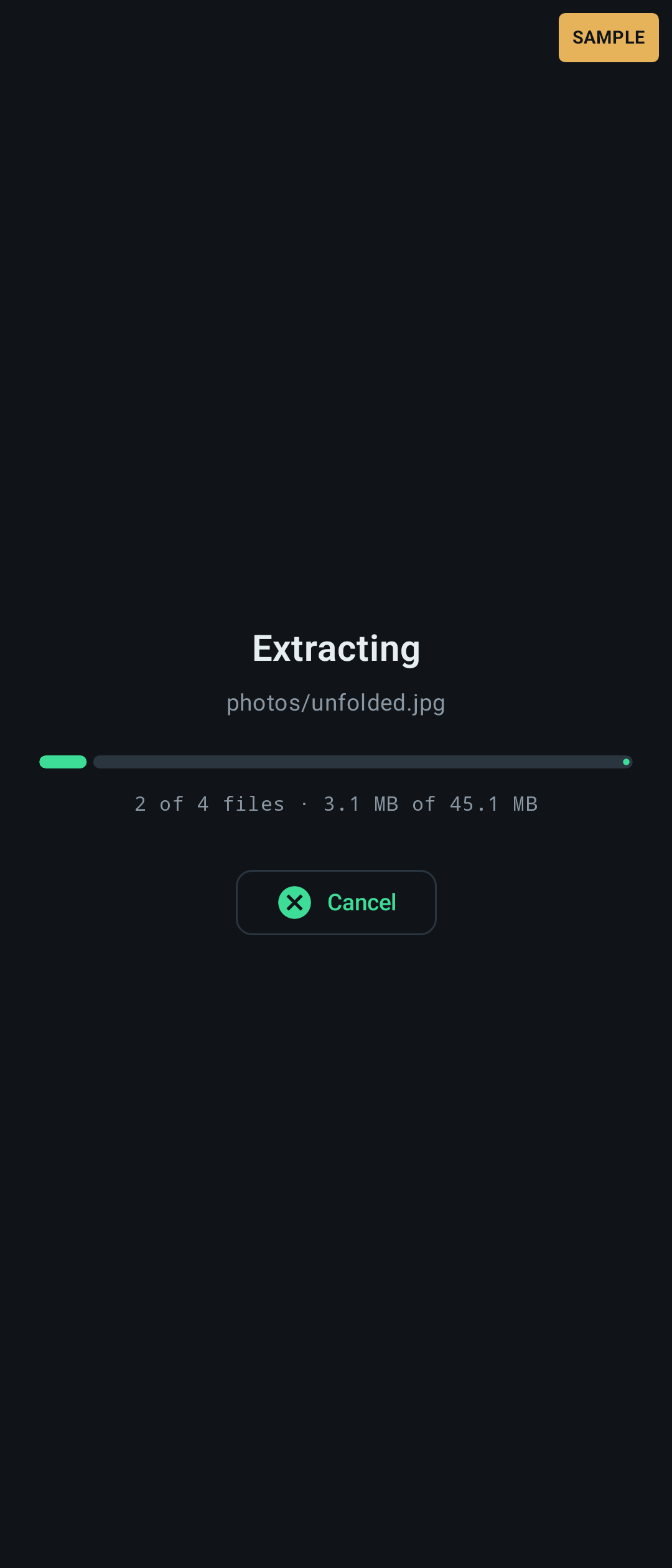
Progress bar with Cancel.
Open archives from your Files app with “Open with” or Share.
Refuses unsafe paths inside archives (zip-slip: ../, absolute paths, drive letters).
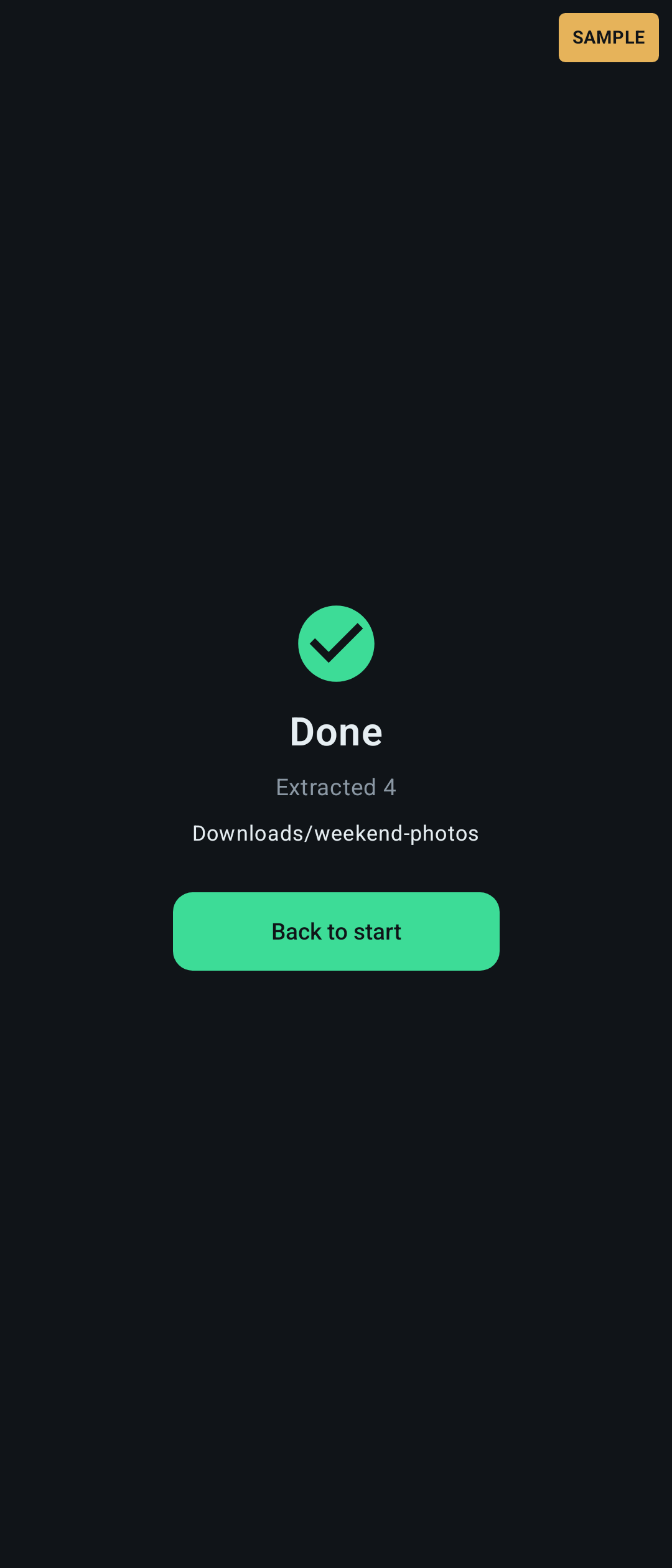
These are sample interface renders from the app, not photographs from a phone. Some frames show sample data.
| Version | 0.3 |
|---|---|
| Platform | Android |
| Minimum Android | Android 8.0 (API 26) |
| Size | 11.5 MB |
| Permissions | None user-facing. You choose files and folders with the system picker. |
| Works offline | Yes. The app has no internet permission. |
| Data collected | None. Nothing is sent off the phone. |
| Last updated | 12 Nov 2026 |
A public download is not offered yet. Once you have the app:
Android 8.0 (API 26) or newer; targets Android 16 (API 36). Phones, tablets and foldables (arm64-v8a, armeabi-v7a, x86, x86_64). Fold-tested: not yet verified on the Galaxy Z Fold 8.
No. It has no internet permission, so it cannot send anything anywhere.
Only the archive you open and the folder you pick. It has no broad storage permission.
Not yet. It opens and extracts archives only.
Coming soon. A public download is not offered yet.
Coming soon