
APK and split bundles
Installs single APKs and split bundles: .apkm, .apks (bundletool or SAI-style) and .xapk.
Home›EzApk

Version 0.3
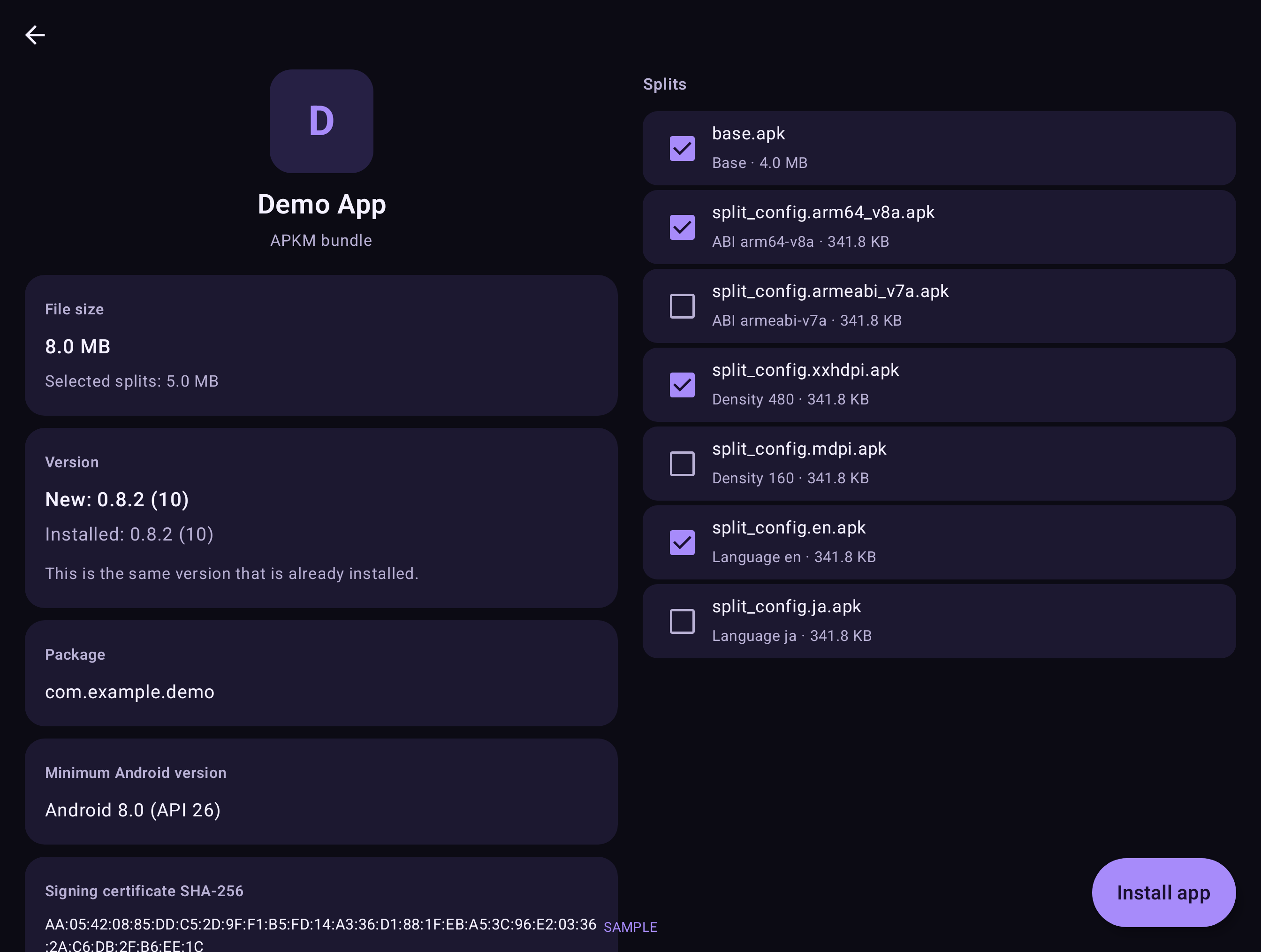
EzApk installs an APK or split bundle (APKM, APKS, XAPK) that is already on your phone. It shows you what is inside first, then hands it to Android’s own installer. It is a local file helper, not an app store.
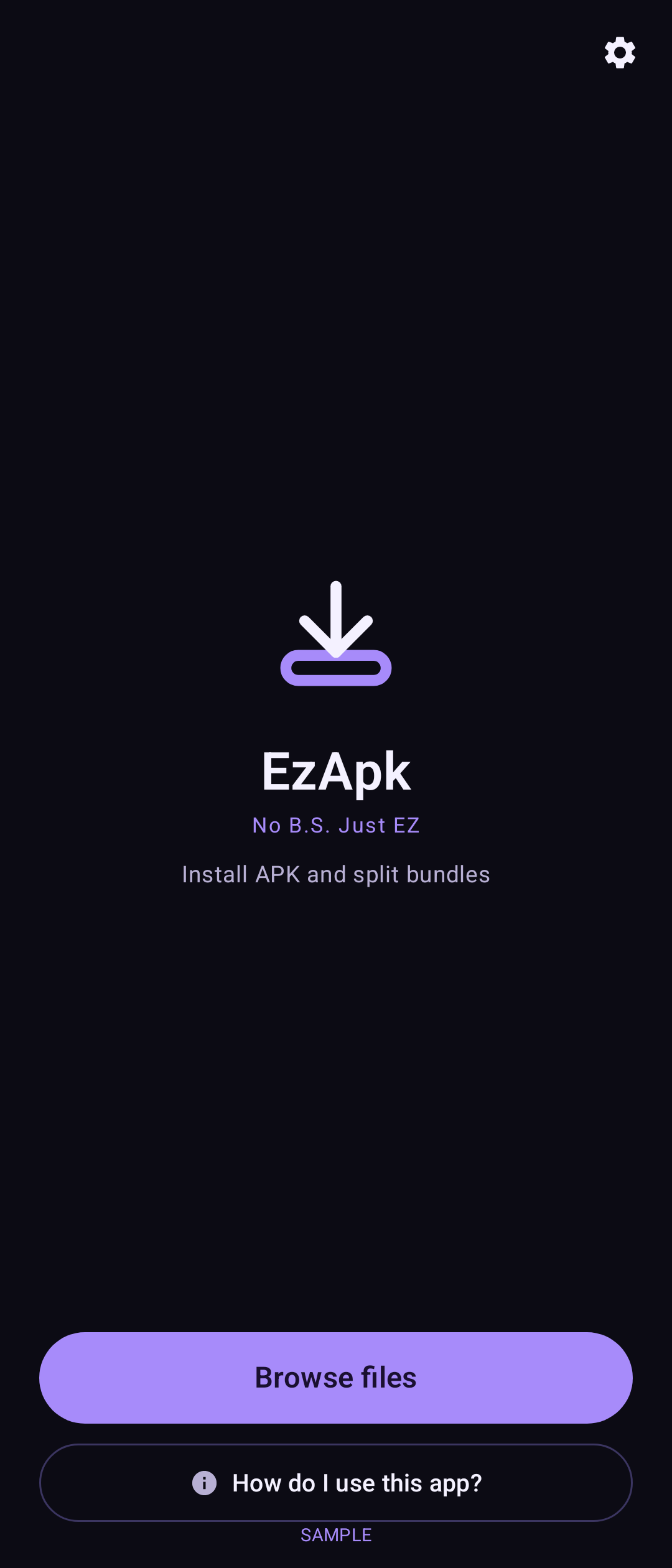
Installs single APKs and split bundles: .apkm, .apks (bundletool or SAI-style) and .xapk.
Shows the app name, icon, package, new vs installed version, file size, minimum Android version and signing-certificate SHA-256 before you install.
Pre-selects the right splits for your phone (CPU, screen density, language) and lets you change them.
Uses Android’s own installer, and shows Android’s real reason if an install fails.
Warns when the signing certificate differs from the installed app, when it can see the installed copy.
Copies XAPK OBB files after install where Android allows it.
Open files from your Files app with “Open with” or Share.
These are sample interface renders from the app, not photographs from a phone. Some frames show sample data.
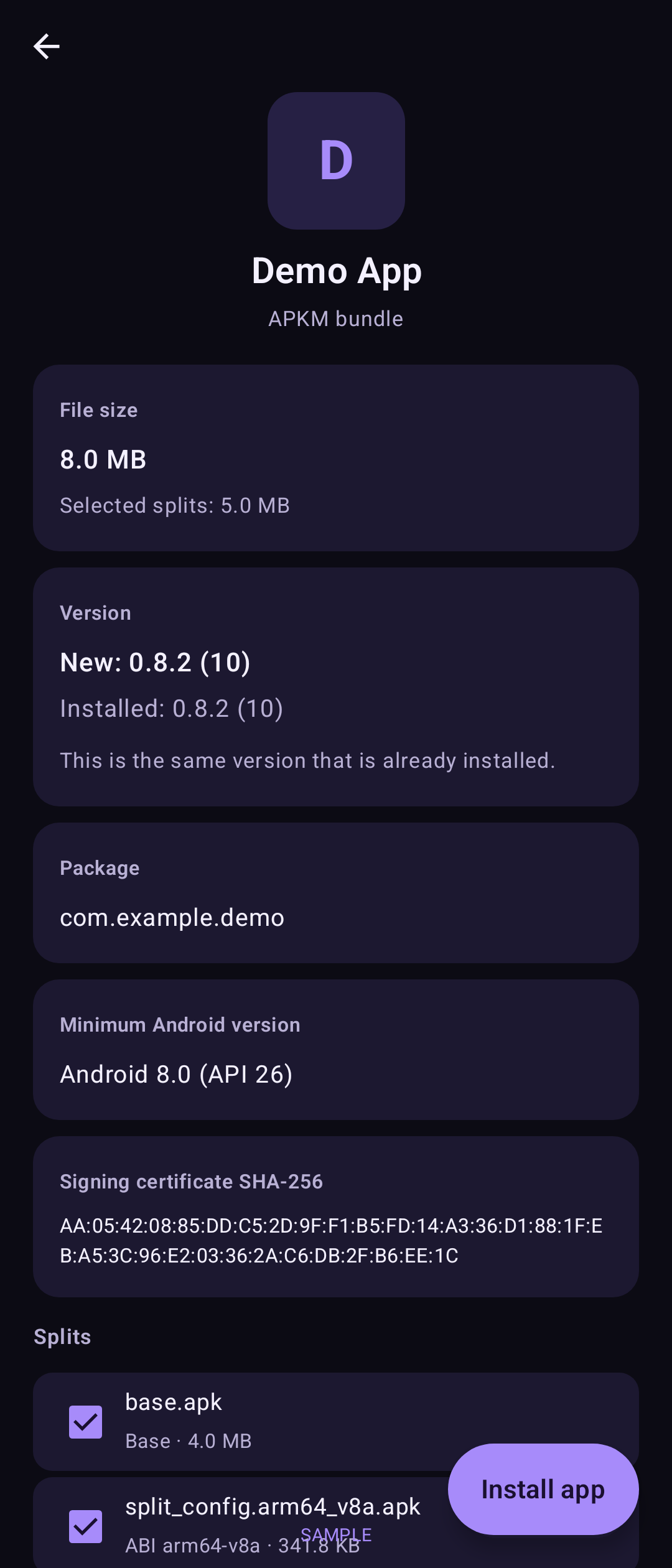
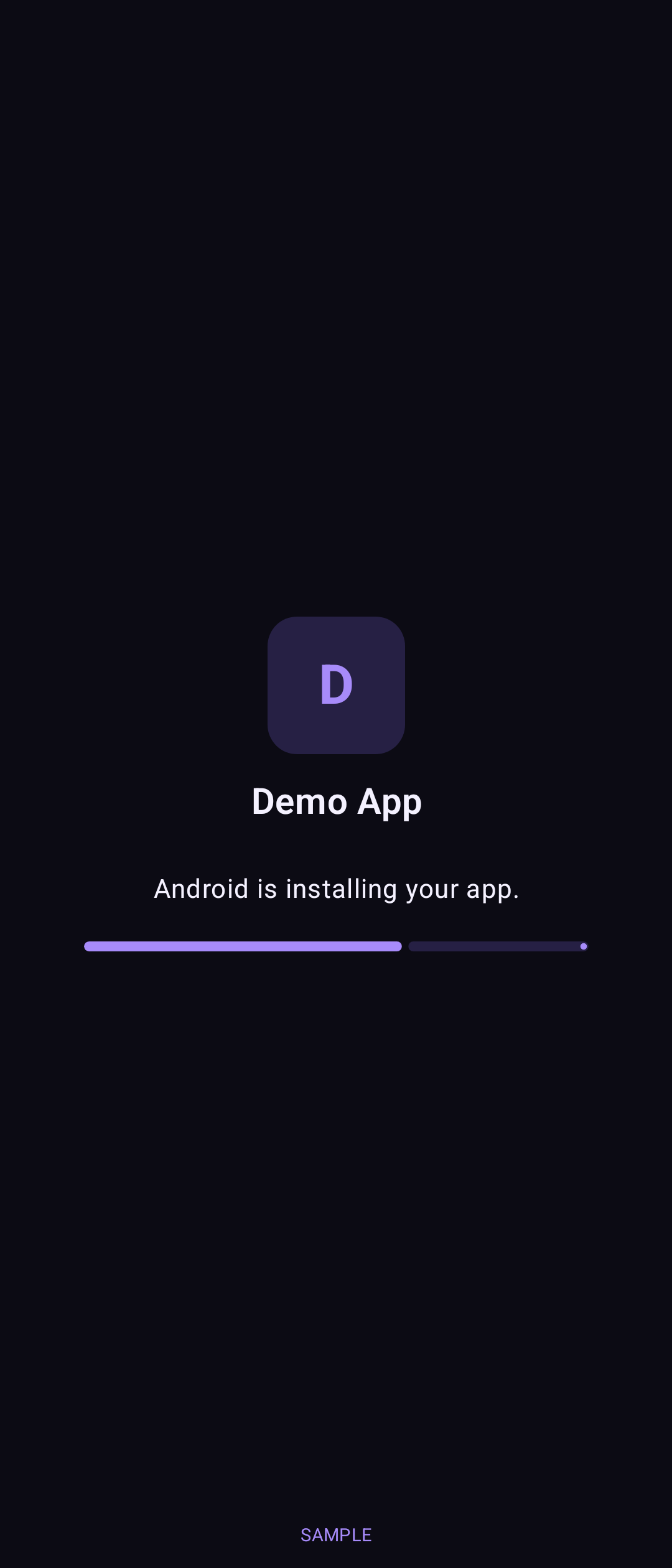
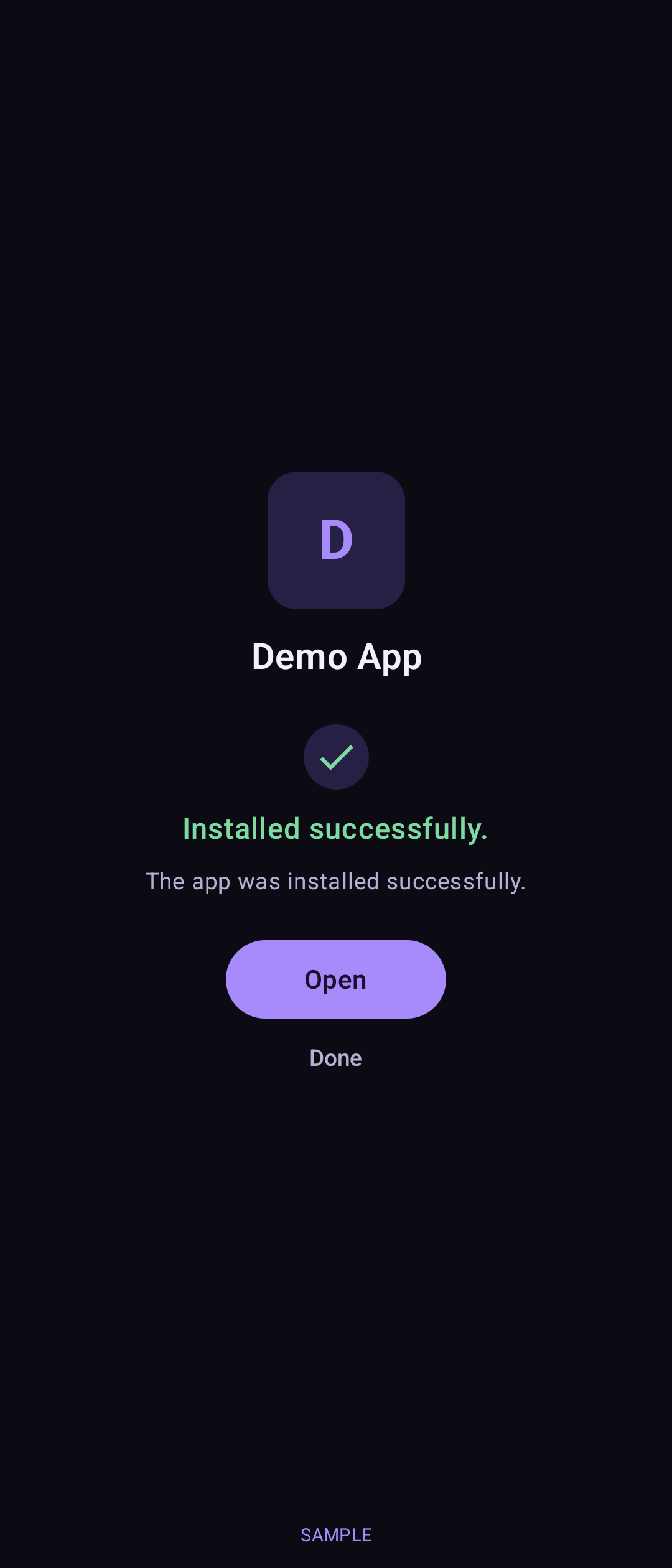
| Version | 0.3 |
|---|---|
| Platform | Android |
| Minimum Android | Android 8.0 (API 26) |
| Size | 6.26 MB |
| Permissions | Request install packages. Storage read and write on Android 10 and older only, for an XAPK’s OBB files. |
| Works offline | Yes. The app has no internet permission. |
| Data collected | None. Nothing is sent off the phone. |
| Last updated | 12 Nov 2026 |
A public download is not offered yet. Once you have the app:
Android 8.0 (API 26) or newer; targets Android 16 (API 36). Phones, tablets and foldables. Fold-tested: not yet verified on the Galaxy Z Fold 8.
No. It installs files you already have. It has no internet permission.
Android asks once per app before it can hand packages to the installer. That is Android’s own safety check.
No. Android blocks that, and EzApk warns you when it can.
Coming soon. A public download is not offered yet.
Coming soon