
Group scan
Group scan: photograph a handful of coins; it reads the dates it can and flags coins to check.
Home›Change Sleuth

Version 0.7.4
Change Sleuth helps you spot coins worth a closer look: key dates, silver, wheat cents, old and colonial coins, famous varieties and mint errors. Snap a handful of coins or identify one, and get a rough value range, all on your phone.
Values are rough estimates, not appraisals or certified grades.
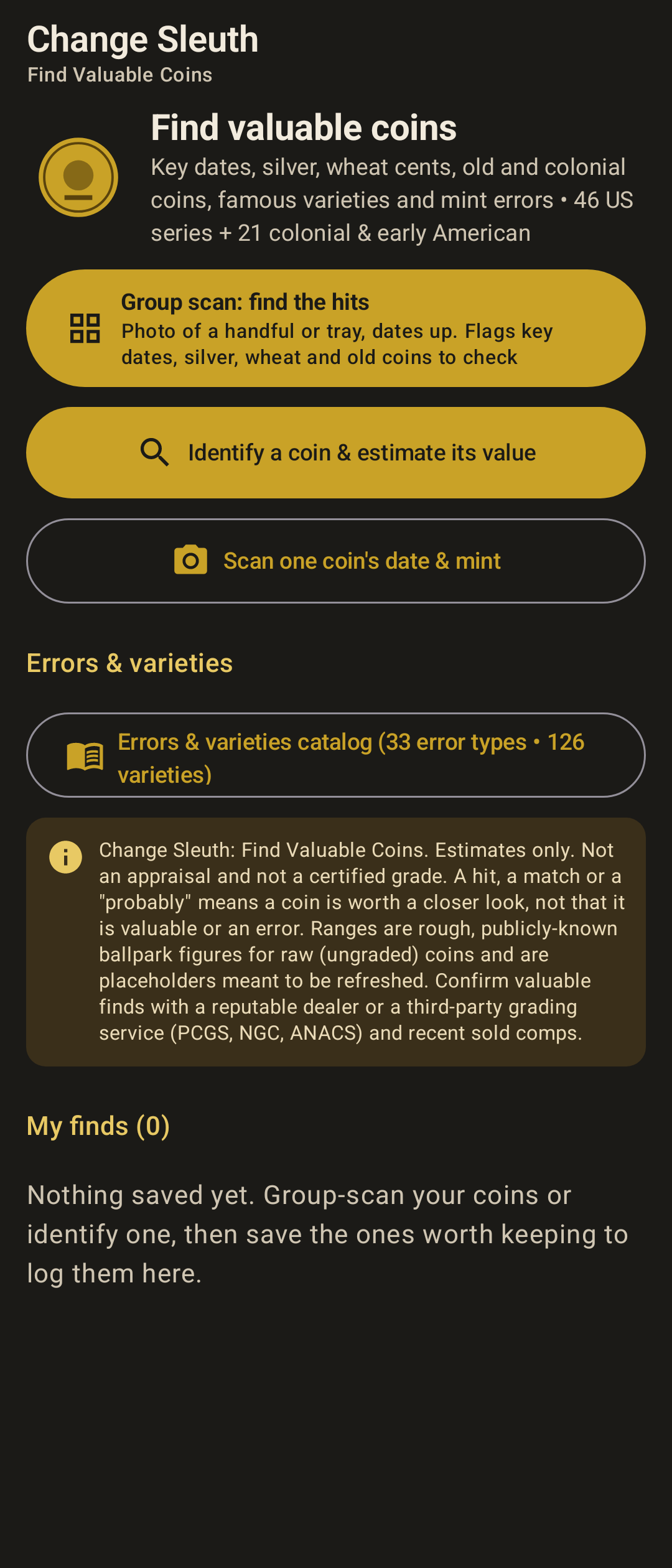
Group scan: photograph a handful of coins; it reads the dates it can and flags coins to check.
Single-coin scan reads the date and mint mark with on-device text recognition.
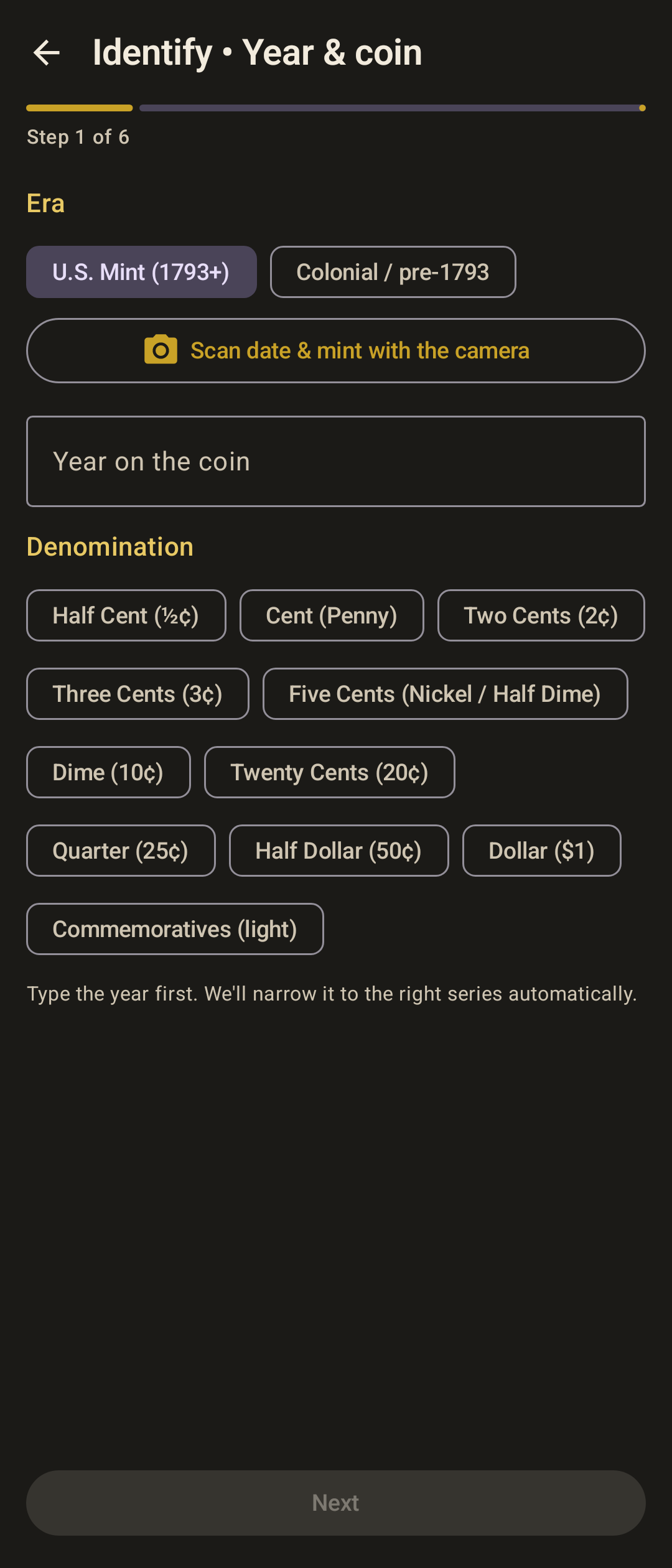
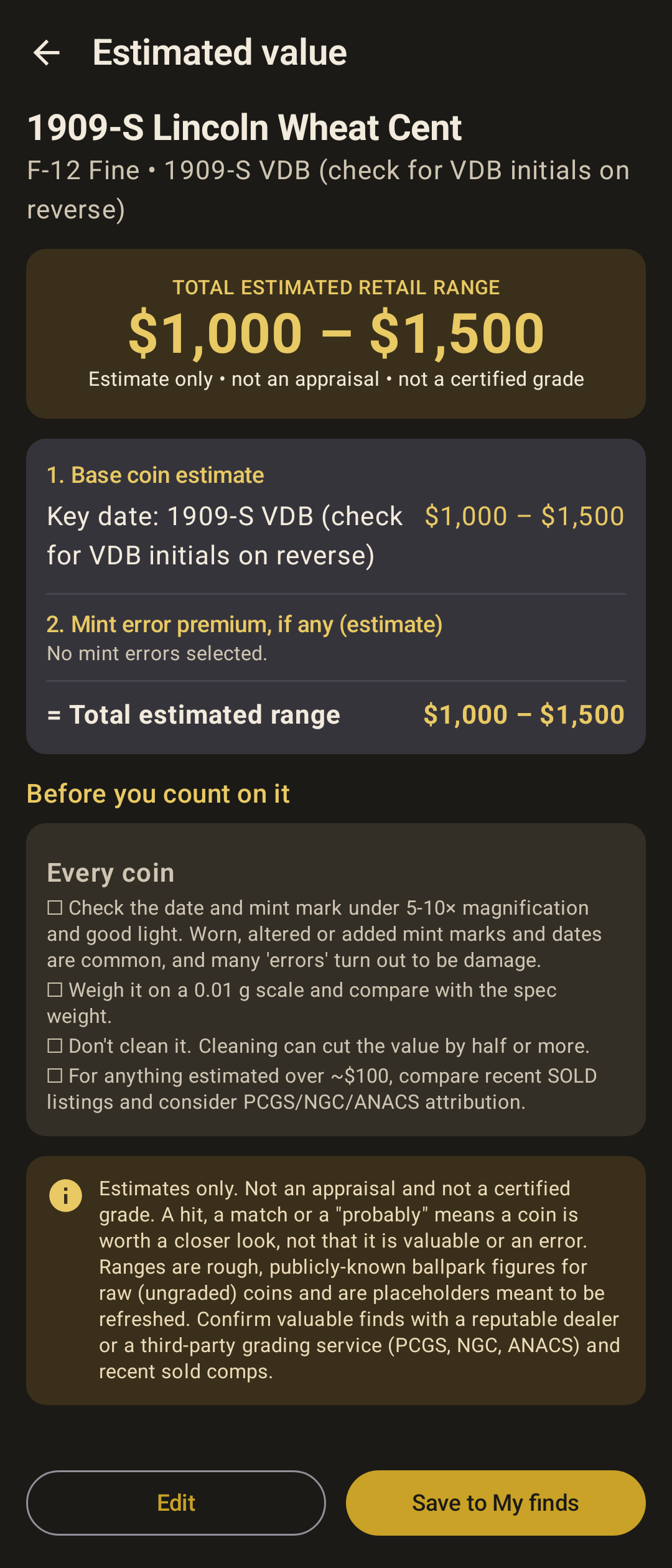
Guided identify: coin, year, mint, grade, variety and error, then a rough value range.
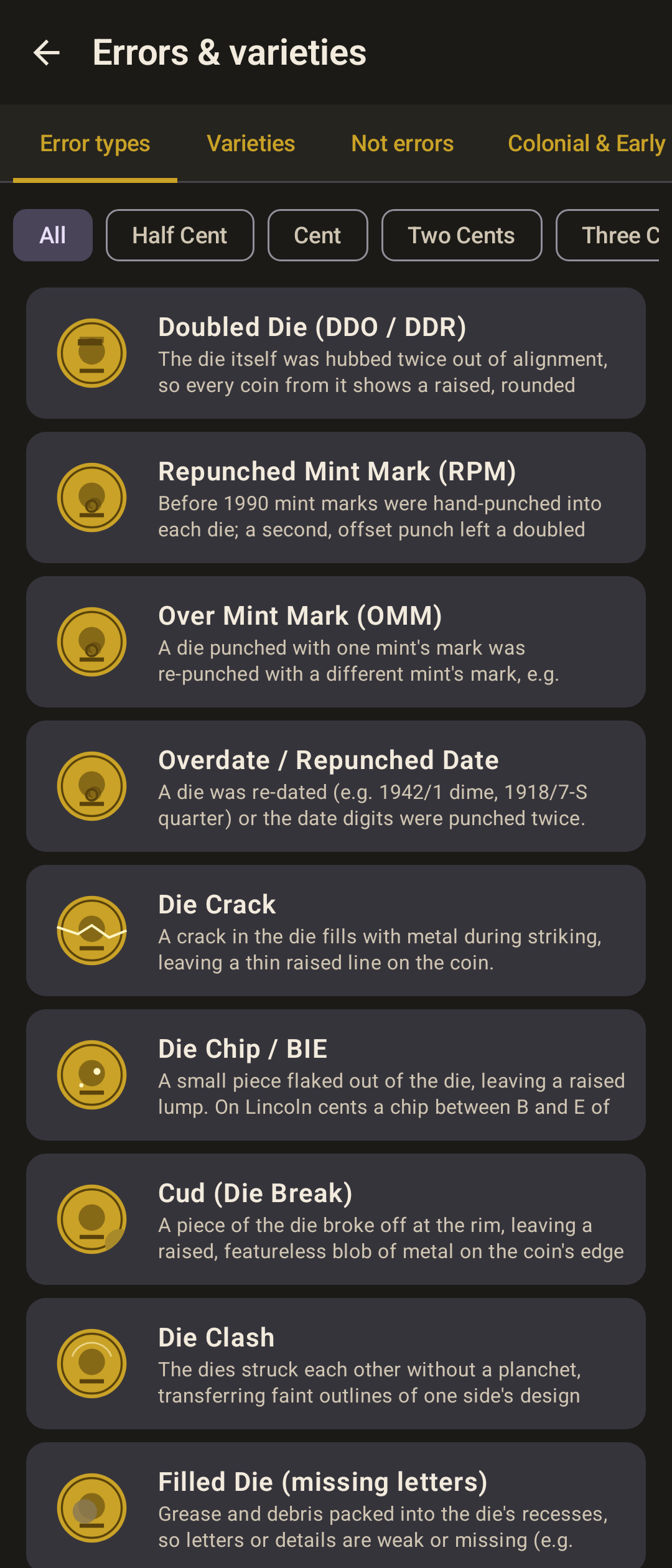
Catalog of 33 error types and 126 varieties, plus “not an error” look-alikes.
46 US series plus 21 colonial and early American series.
My finds: save coins with photos and notes on the phone; export as CSV or text.
Checklists before you count on a find: magnification, weight, don’t clean, compare sold listings.
These are sample interface renders from the app, not photographs from a phone. Some frames show sample data.
| Version | 0.7.4 (debug build) |
|---|---|
| Platform | Android |
| Minimum Android | Android 8.0 (API 26) |
| Size | 33.6 MB |
| Permissions | Camera, for group and single-coin scans. No internet permission. |
| Works offline | Yes. |
| Data collected | None is sent to TestaDura Labs. Photos are processed on the phone. Saved finds may be included in the device’s own Android backup. |
| Last updated | 9 Nov 2026 |
A public download is not offered yet. Once you have the app:
Android 8.0 (API 26) or newer; targets API 35. arm64-v8a, armeabi-v7a, x86_64. Fold-tested: partly (installed and field-tested; some 0.7.4 OCR and on-screen nudges still untested on the phone).
No. It is a ballpark range for raw coins. Confirm anything valuable with a reputable dealer or a grading service.
No. The app has no internet permission. Text recognition runs on the phone.
Coming soon. A public download is not offered yet.
Coming soon