
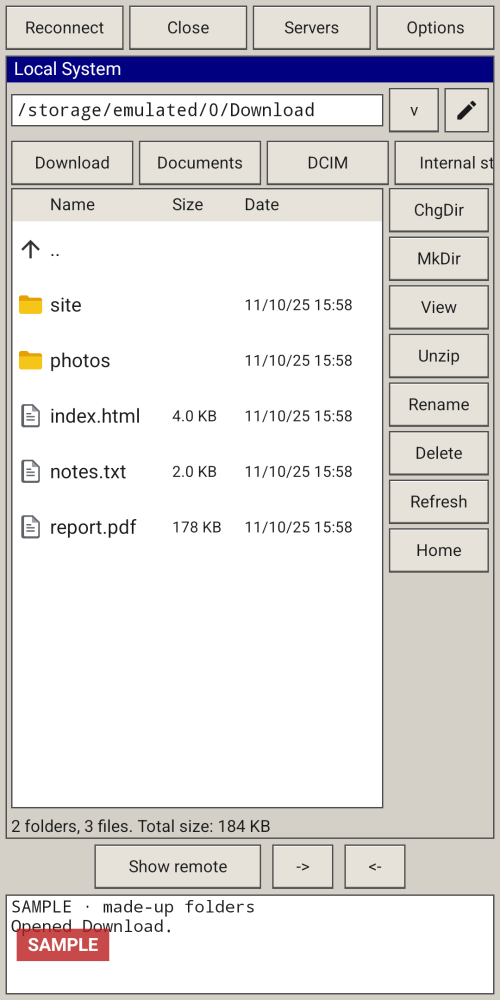
Classic two-pane layout
Local files on one side, the server on the other. On a tall screen the panes stack.
Home›EzFTP

Version 1.2.4
EzFTP is a two-pane file transfer client: your phone on one side, a server you add on the other. It supports SFTP, explicit FTPS and plain FTP, with selectable skins. Version 1.2.4 can select every file and folder in a pane and transfer the selection as a queue.
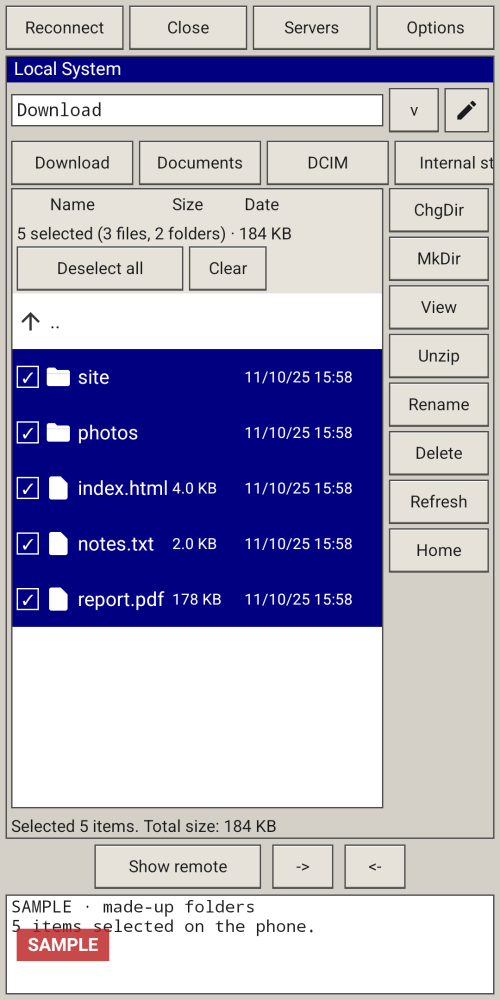
Local files on one side, the server on the other. On a tall screen the panes stack.
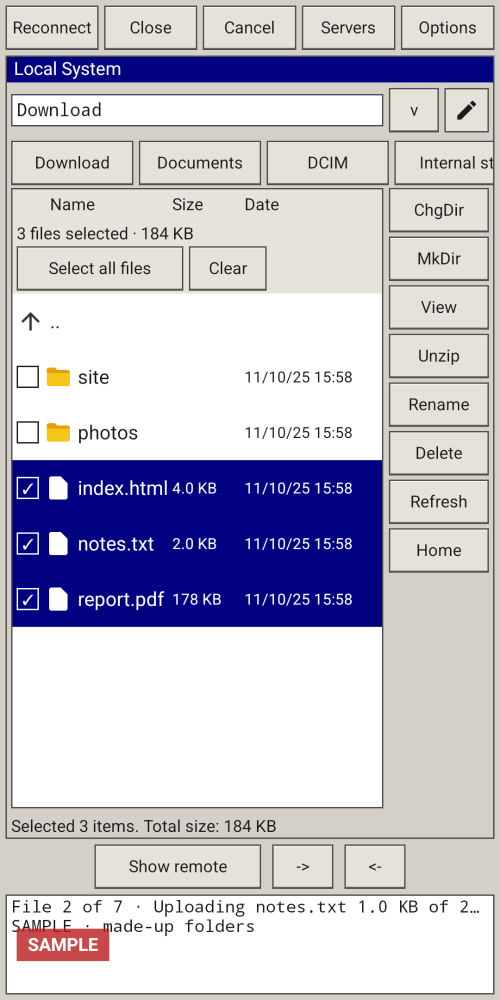
Move files and folders between the phone and a server you add. Transfers run as a queue, with progress such as “File 2 of 7”. If one file fails, the rest still run, then a summary appears.
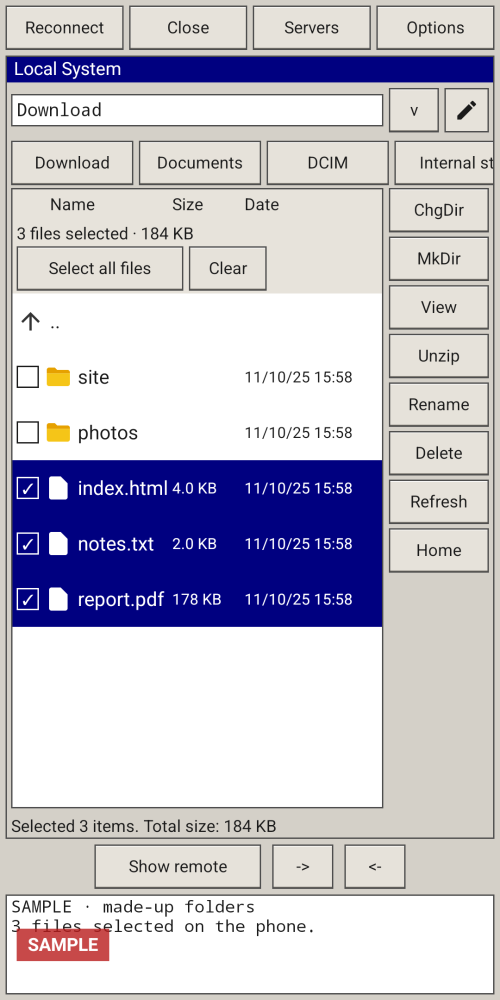
Tap a file or long-press a folder to start a selection. Select all checks every file and every folder in the current pane, including in a folders-only listing. When everything is already checked, the button becomes Deselect all. The bar shows the count and total size.
Open folders, create folders, rename, delete and view files on either side. View and Rename stay single-item. Delete asks once and can remove several items (folders only when they are empty).
SFTP, explicit FTPS and plain FTP. Plain FTP is unencrypted; prefer SFTP or FTPS.
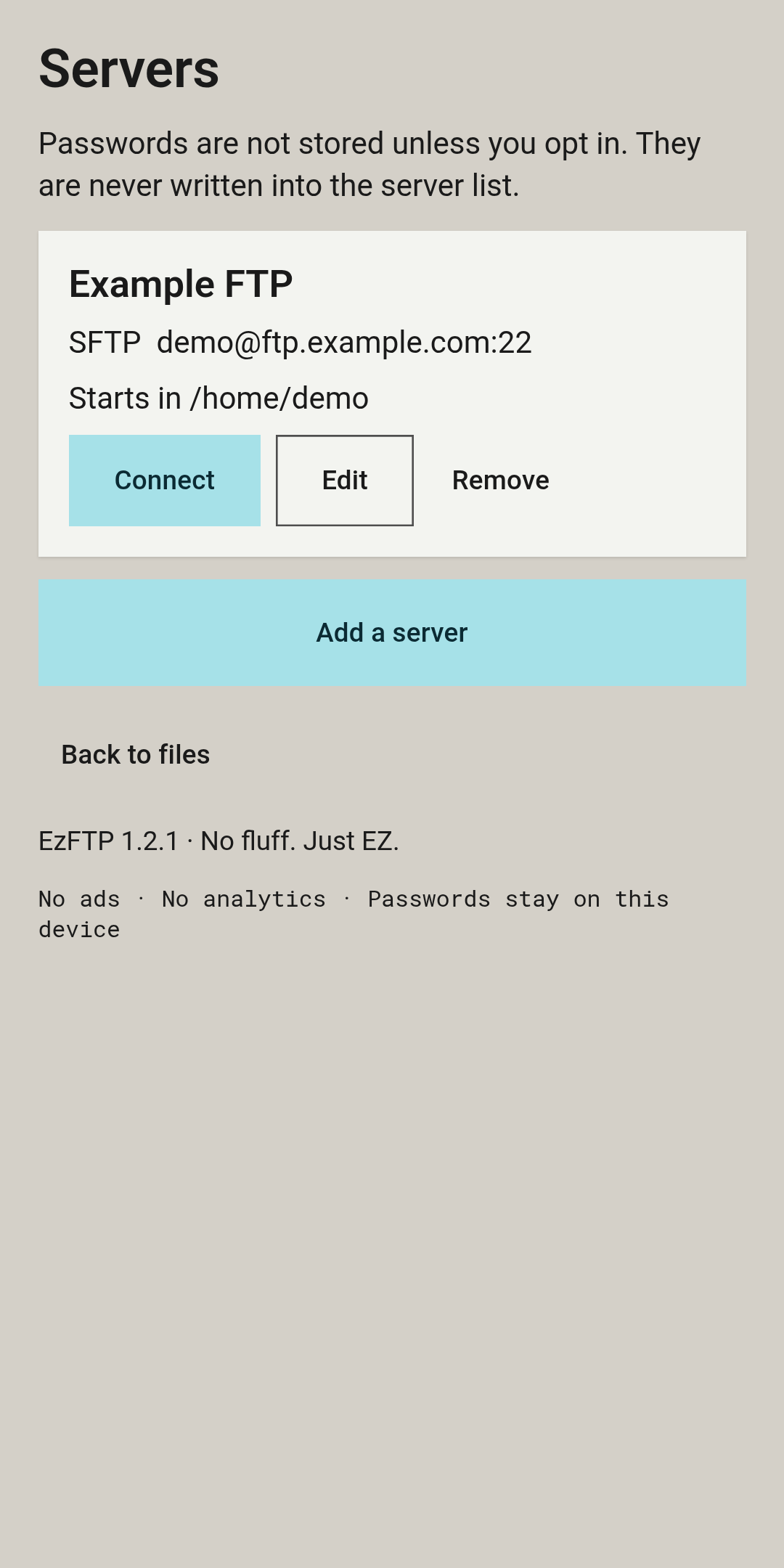
Save servers, reconnect, and keep a transfer log. Passwords are not stored unless you opt in, and they are never written into the server list.
Classic, Modern Dark and Clean Light, on the same layout.
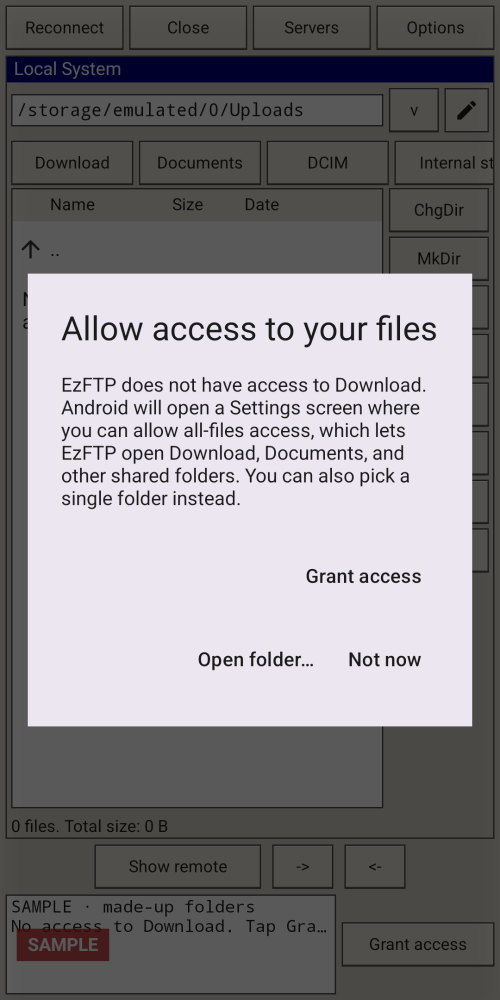
On Android 11 and newer, Grant access can allow all-files access so Download, Documents, DCIM and internal storage open as themselves. If you prefer not to grant that, Open folder… uses the system picker and keeps access only to the folder you pick.
These are sample interface renders from the app, not photographs from a phone. Some frames show sample data.
| Version | 1.2.4 |
|---|---|
| Platform | Android |
| Minimum Android | Android 8.0 (API 26) |
| Size | 11.3 MB |
| Permissions | Internet. All-files access (optional) so shared folders can open on Android 11 and newer, with a system-folder-picker fallback. Legacy storage read (Android 12L and older) and write (Android 10 and older). |
| Works offline | Local browsing works without a network. Talking to a server needs a connection to that server. |
| Data collected | Connects only to the servers you add. Server details stay on the phone. No ads or analytics in the current build. Passwords stay on the device and are not stored unless you opt in. |
| Last updated | 14 Nov 2026 |
A public download is not offered yet. Once you have the app:
Android 8.0 (API 26) or newer; targets Android 16 (API 36). 1.2.4 has not yet been Fold-tested.
You can browse files on the phone without a network. Talking to a server needs a connection to that server.
No. Plain FTP sends your password and files unencrypted. Prefer SFTP or FTPS.
On Android 11 and newer, that access is what lets the Download, Documents and DCIM shortcuts open those shared folders. If you decline, use Open folder… and pick a folder. EzFTP will keep access only to that folder.
They stay on the device. They are not stored unless you opt in, and they are never written into the server list.
Coming soon. A public download is not offered yet.
Coming soon